
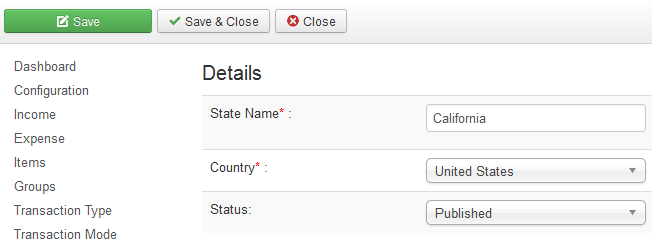
States are managed in the State list, which can be accessed through vAccount => States (or go to Dashboard and click on States icon). To add a new country, click "New" in the top of the list and fill out the fields in the State form. Don't forget to save and the new State is added to the list. You can modify existing States. To do so, just click on the name of a State in that list and a form opens and you can modify the properties of this State.
| Property | Description |
|---|---|
| State Name | Name (title) of the Country. |
| Country | Choose the Country from the list to which this state belongs. |
| Status | Set this Country status to Published/Unpublished. |