
articles imported without category -
- Daniel
- Offline
- Administrator
-

Replied to your email, Please check...
Thanks
Daniel
Please Log in to join the conversation.
- Giulianoo
- Topic Author
- Offline
- New Member
-

- Posts: 10
Please Log in to join the conversation.
- Giulianoo
- Topic Author
- Offline
- New Member
-
- Posts: 10
I imported the menus, I had to arrange the importation from phpmyadmin,
Articles with custom or quick import does not work
the guides are very superficial for those not expert.
a component used to simplify, if I have to act like phpmyadmin, I do not see its usefulness.
Surely it is my fault that I am no expert, now the site is closed because I can not import the data, and you are not online to find a solution ...
I used with small sites j2xml and it's easy and it works, but it has a limit in the import.
Now I hope that now you answer me please
Please Log in to join the conversation.
- Giulianoo
- Topic Author
- Offline
- New Member
-
- Posts: 10
I have also imported the menu, but not seen even if present in the database
I have sent all
Please Log in to join the conversation.
- Daniel
- Offline
- Administrator
-
Please share your backend & FTP login credentials via Contact us form, We'll look into it.
Thanks
Daniel
Please Log in to join the conversation.
- Giulianoo
- Topic Author
- Offline
- New Member
-
- Posts: 10
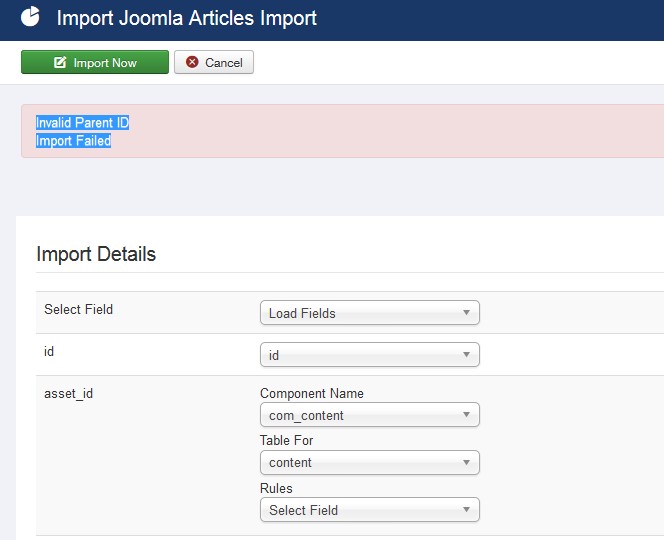
Please Log in to join the conversation.
- Giulianoo
- Topic Author
- Offline
- New Member
-
- Posts: 10
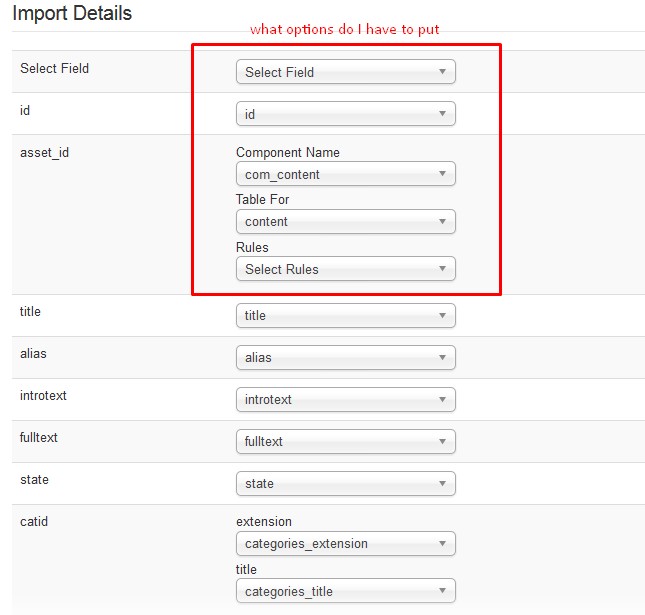
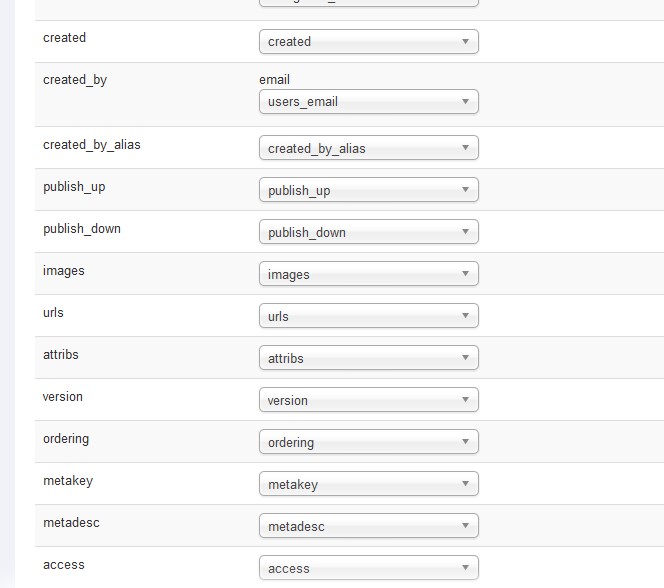
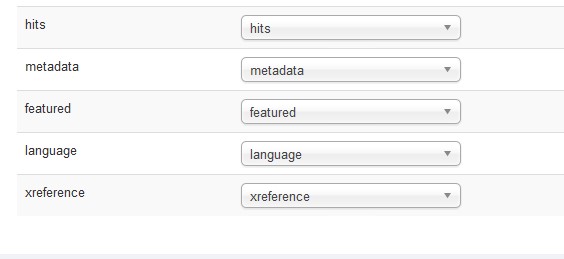
you can see where I'm wrong please let
Please Log in to join the conversation.
- Giulianoo
- Topic Author
- Offline
- New Member
-
- Posts: 10
Here the category is present, but I can not import items with xml files
Please Log in to join the conversation.
- Giulianoo
- Topic Author
- Offline
- New Member
-
- Posts: 10
Daniel wrote:
Giulianoo wrote: in exported data with json missing Categories
xml, however I do not know how to do
see attachments. What should I choose?
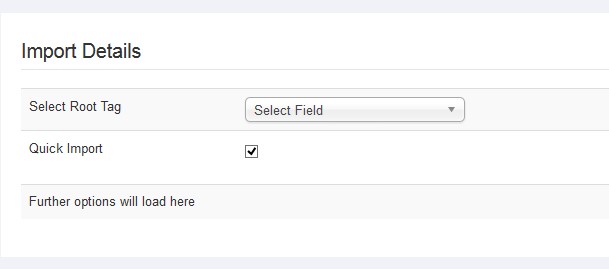
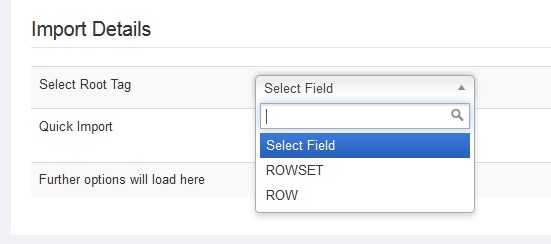
You have chosen Quick import, that's why you can not see options for all other fields. And Select root Tag mean You need to select the Root / primary / main tag which contains all the other tags within it.
Please Log in to join the conversation.
- Daniel
- Offline
- Administrator
-
Giulianoo wrote: in exported data with json missing Categories
xml, however I do not know how to do
see attachments. What should I choose?
You have chosen Quick import, that's why you can not see options for all other fields. And Select root Tag mean You need to select the Root / primary / main tag which contains all the other tags within it.
Thanks
Daniel
Please Log in to join the conversation.
- Daniel
- Offline
- Administrator
-
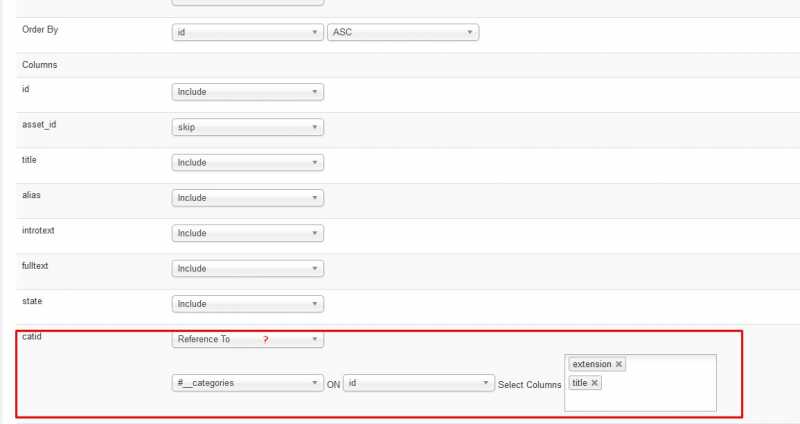
Giulianoo wrote: which option I have to change to match the articles in the categories?
using quick import, does not put the articles in the categories
Settings in the attached screenshots are correct, You just need to make sure, your exported data have extension and title for categories.
Thanks
Daniel
Please Log in to join the conversation.
- Giulianoo
- Topic Author
- Offline
- New Member
-
- Posts: 10
xml, however I do not know how to do
see attachments. What should I choose?
Please Log in to join the conversation.
- Giulianoo
- Topic Author
- Offline
- New Member
-
- Posts: 10
using quick import, does not put the articles in the categories
Please Log in to join the conversation.
- Daniel
- Offline
- Administrator
-
Please check the documentation here: www.wdmtech.com/vdata-documentation-step...es-from-other-joomla
Article import profile is already there, You can use the same profile, You can also make changes in profile settings as per your need.
Thanks
Daniel
Please Log in to join the conversation.
- Giulianoo
- Topic Author
- Offline
- New Member
-
- Posts: 10
I was able to import the categories.
Now I have to import 16,000 items, but does not put the articles into categories.
please let help me, and sorry for my english
Please Log in to join the conversation.